Beamd Guides Start free trial
← All guides

Find your stream key

Choose your platform.

Add it to Beamd

  1. Open Destinations → + Add destination and choose your platform.
  2. Enter the Server URL and Stream key, then choose Save destination.

For YouTube, you can choose Connect with YouTube instead.
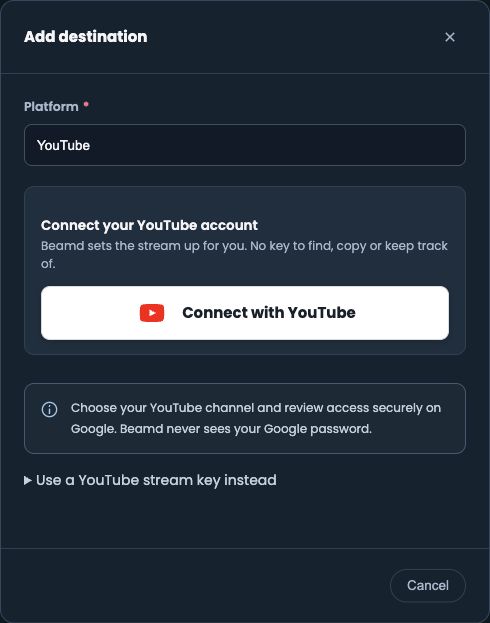
The Beamd Add destination dialog with YouTube connection and stream-key options.
Connect your account or enter the server URL and key supplied by your platform.
Keep your key private

Treat it like a password. If it is exposed, reset it on the platform and update the saved destination.

All guides · Stream keys · Beamd · Compare · Status · Privacy · Cookie choices